
How to play co-op in Way of the Hunter 2: how to invite a friend, open a lobby, join a session, and the 2-player limit that trips people up at launch.
Way of the Hunter 2 Multiplayer: How to Invite Friends and Join Co-op
Yes, Way of the Hunter 2 has co-op, and in version 1.0 it is a two-player free-play mode: one of you hosts a session, the other joins it, and both of you hunt the same reserve at the same time. There is no third slot for a friend, no separate co-op campaign, and no way to bring a group. Three limits decide whether the mode is worth your time before you press Join. Everything below is written against the 1.1 build of the Steam release, checked on October 3, 2026.
Two players only, single-player and multiplayer are separate worlds, and no crossplay between PC, PS5 and Xbox. Everything else on this page works around those three facts.
The three hard limits in version 1.0
| Limit | What version 1.0 actually does | Where it comes from |
|---|---|---|
| Party size | A two-player free-play co-op mode. Parties larger than two are on the roadmap, not in the build | Developer FAQ |
| Worlds | Single-player and multiplayer use separate worlds and animal populations. Changes in one mode do not carry into the other, and multiplayer sessions are not synced across different play sessions | Developer FAQ |
| Crossplay | Not in version 1.0. The developer is looking into it but must first confirm it meets the technical and other requirements of every platform holder | Developer FAQ |
The developer describes the current build as "a first simple mode" rather than a finished feature, which is why all three limits are phrased the way they are.
Official source: Way of the Hunter 2: FAQ — Nine Rocks Games — "The current version offers a first simple mode that supports a two-player free-play co-op experience."
How multiplayer got here
Multiplayer has been in the game since Early Access, but it left opt-in beta weeks before launch, so older tutorials send you down a dead path.
| Date | What changed |
|---|---|
| June 23, 2026 | First multiplayer build on the Experimental Branch, opt-in with Steam beta code WotH2experimental |
| September 1, 2026 | Update 0.4.1 puts two-player multiplayer on the Steam default branch for everyone |
| September 2, 2026 | Developer announcement: multiplayer is now available for all players |
| September 29, 2026 | Version 1.0 (build 212045) launches with multiplayer on PC, PS5 and Xbox Series X|S |
| October 1, 2026 | Update 1.1 (build 212672) ships two multiplayer fixes |
If a guide tells you to open Steam Properties and enter a beta code, it was written for the June alpha. That step is gone.
How to host a session and invite a friend
The developer's own description of the flow is deliberately plain: "Host a hunt or join somebody else's session." Players usually call this opening a lobby, but the patch notes call it a session, and that is the wording used below.
- Start Way of the Hunter 2 and pick multiplayer from the main menu. Single-player and multiplayer are separate entries, not a toggle inside a session.
- Start hosting a session and confirm once. During Early Access, spamming the OK button while creating a session could stop it from appearing for other players at all.
- Choose the reserve the session will hunt in.
- Use the friend invite option or the server browser to pull in your second hunter. The developer confirmed that session stability, server browser behaviour, connections and friend invites were all reworked in Update 0.4.0.
- Set your loadout, then travel out together.
There is no session password in version 1.0. Password-protected sessions sit on the roadmap alongside text chat and co-op expeditions, so treat a session you did not create as open.
How to join your friend's session
- Have the host send an invite, or find their session yourself in the server browser.
- Select the session and choose Join Server.
- Wait out the load. Joining could get stuck at 0% or 100% during the Early Access tests, especially after hitting Join Server several times, and a host who ends the session mid-load can leave you on an infinite loading screen.
The developer's known-issues list for build 1.1.212672 states that it is possible to join a session via an invite without having completed the tutorial first, leading to a locked state. The documented fix is deleting the save files manually; the documented prevention is completing the tutorial first. This is the one most guides skip.
What happens to your save: two separate worlds
| Thing you do | Single-player | Multiplayer |
|---|---|---|
| Progress inside a session | Saved and persists as expected | Saved and persists as expected |
| Animal populations | Your own | Separate population, changes do not carry over |
| Play with a different person later | Same world | Not synced across different play sessions |
| Taxidermy | Your own collection | Separate from your single-player collection |
Version 1.0 closed two gaps here: taxidermy crafted inside a multiplayer session can now be used in single-player, and the client stops failing to update when the host opens Storage or the Shop. The split between the two worlds themselves is unchanged and is planned to be replaced by a shared persistent world after launch.
If you want to know what you are about to share, the reserve breakdowns are on the maps and reserves page, and the Kilimaya guide covers the three species that will charge you while your partner is busy with the herd.
What you can do together in one session
The developer's test guidance for the mode is effectively its feature list: explore the reserve together, use vehicles, fast travel, place markers, change equipment, hunt animals and build tents. Tents and vehicles are shared objects both players see and interact with, and markers are how you point out a track across the valley.
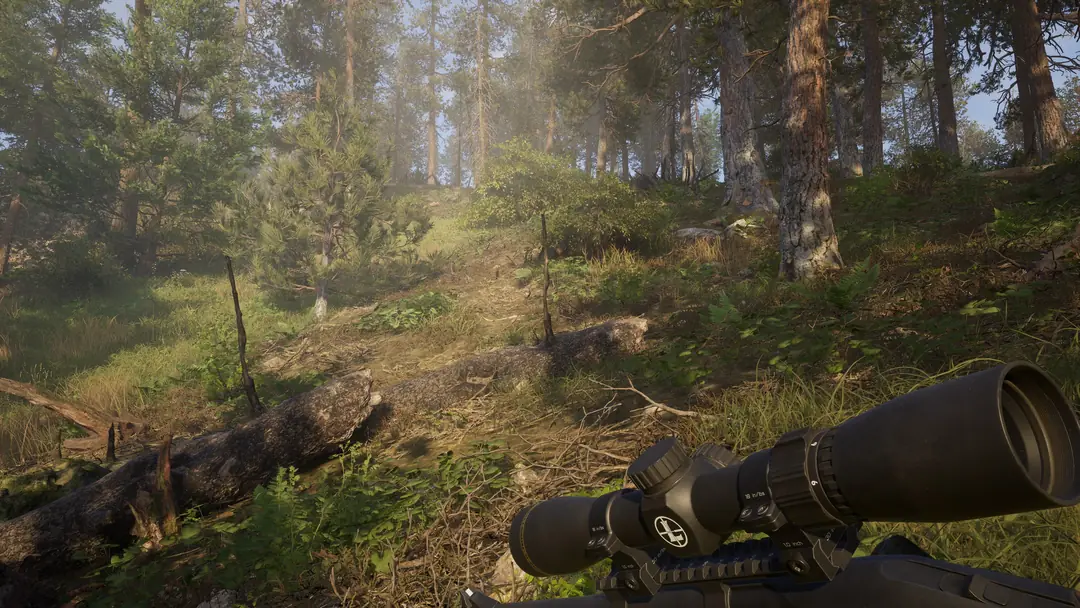
Two things to plan around. Animals hunted by the client can disappear on their own while the host is far away, and temporary desync shows up in certain situations. Stay within a reasonable distance of each other, and let the host handle the final approach on anything you both want.
No crossplay, so your friend needs the same platform
A PC player cannot join a PS5 session and an Xbox player cannot join a PC session, and digital purchases are per platform too. The full platform breakdown, including PS5 Pro support and GOG, is on the Xbox, PS5 and PC page; the crossplay reasoning is covered in the crossplay answer.
Do not host from Steam Deck. The developer says the game runs there but is not officially supported and is not optimised for it, which makes it a poor candidate for the machine that has to hold the session open.
Known multiplayer problems in 1.0 and 1.1
These are the developer's own entries from the published known-issues list, which is version-stamped to 1.1.212672.
| Symptom | Documented workaround |
|---|---|
| Joining via invite before finishing the tutorial locks the save | Delete save files manually; prevent it by finishing the tutorial first |
| Temporary desync in certain situations | Close the distance to the host, or wait briefly |
| Unable to interact with doors and parking signs | Reconnect to the session |
| Animals hunted by the client can vanish while the host is far away | Stay closer together |
| Difficulty hitting animals consistently when they are moving | Listed as a known client-side issue, no workaround given |
| Animal sounds may not be audible | Listed as a known client-side issue, no workaround given |
| Xbox: inventory may clear after fast travel | Listed as a known issue, no workaround given |
| Crash caused by the host using the Buffden Apex Predator | Listed as a known issue, no workaround given |
Update 1.1 removed two more multiplayer bugs from that list: clients could not equip or unequip clip-ons from the radial menu, and vehicles shook for the client after leaving a session from inside the vehicle and rejoining. Anything not listed goes to the developer's bug database, and the known issues page covers how to file one properly.
Finding a second player
The developer runs an official Discord with a channel dedicated to finding a co-op partner, and pointed players there during the beta. With crossplay off, it only helps if you are on the same platform. Bring your own friend if you can: the mode is built for exactly two people who already know how each other hunts. Both of you should be on the same build, and 1.1.212672 is the version listed as current on October 3, 2026.
FAQ
Is there multiplayer in Way of the Hunter 2? Yes. Version 1.0 ships a two-player free-play co-op mode on PC, PlayStation 5 and Xbox Series X|S.
How many players can play together? Two. The developer lists support for more than two players as a planned improvement, not something in the current build.
Can I play with friends on a different platform? Not in version 1.0. Crossplay requires confirmation with every platform holder first, so it is not available now.
Does my single-player progress carry into co-op? No. Single-player and multiplayer use separate worlds and animal populations. Progress made within a single session is saved and persists as expected.
Do I need a beta branch to play co-op now? No. Multiplayer reached the Steam default branch in Update 0.4.1 on September 1, 2026. The WotH2experimental code is an Early Access leftover.
More Way of the Hunter 2 Guides
Kilimaya Reserve in Way of the Hunter 2: the 100 km2 Africa map, its 13 species, which predators can charge you, and how to hunt hippo and buffalo safely.
Way of the Hunter 2 known issues after launch: the demo config fix for broken resolution settings, plus how to report a bug.
All 3 Way of the Hunter 2 maps with exact sizes: New Laurentia and Kilimaya at 100 km2 each, Hearth & Hunt at 16 km2. What each holds.
New Laurentia in Way of the Hunter 2: the 100 km2 North America map, its 15 species, elk and moose behaviour, need zones, tracks and hunting pressure.
Way of the Hunter 2 update 1.1 summary: weather forecast, inverted look, controller deadzone fixes, what is still broken, and how to report bugs.
Way of the Hunter 2 costs $39.99 or $59.99 deluxe. What the 8-DLC Season Pass adds, what Heirloom Pack includes, and how game 1 owners save.
Way of the Hunter 2 Season Pass: 8 DLCs in year one, $34.99, release window, what is inside right now, and the three statues that prove it worked.
Way of the Hunter 2 on Steam Deck: the developer says it is not officially supported. What happens when you try, and whether it is worth it.